

Overview
LocalStack is designed to be ephemeral by default, meaning all state is lost when the container stops. The Snapshot feature provides tools to persist, reuse, and share the state of your LocalStack instance across sessions or teams. This is useful for preloading test data, debugging workflows, or collaborating with teammates.
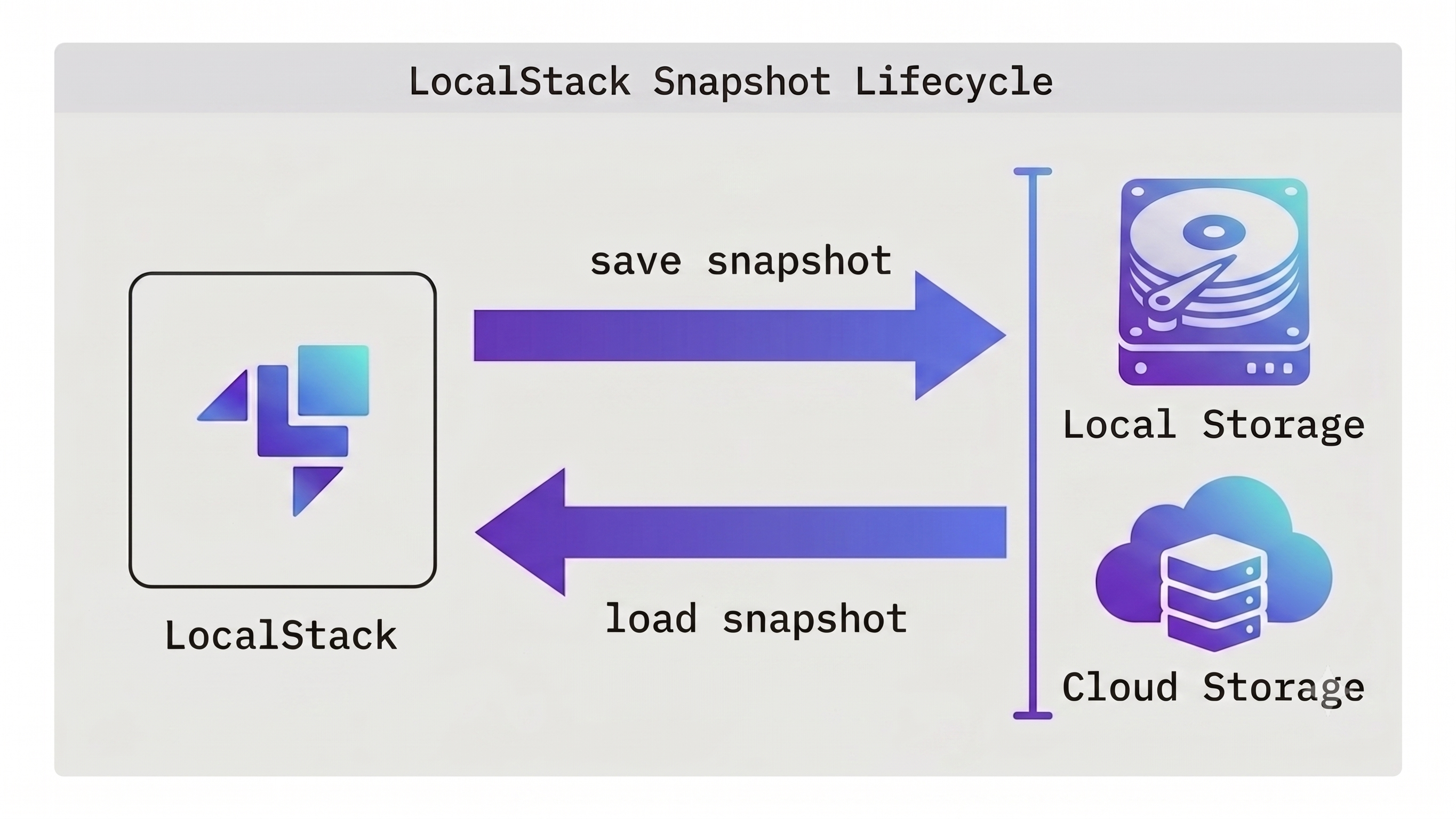
Snapshots enhance your development workflow in the following ways:
-
Faster loading - Snapshots can be loaded into your instance within a few seconds. Use this to avoid lengthy redeploys of your infrastructure as code, such as Terraform or CDK, each time the emulator is started.
-
Team sharing - Use a repository, such as Cloud Pods, to share snapshots amongst your team. Snapshots provide a curated set of resources for team members to use as a starting point for their work.
-
Automatic durability - Enable the Persistence feature to gain the same durability semantics you expect from the AWS cloud. A snapshot is taken automatically when the instance is shut down, then reloaded when the instance is restarted.
-
Debugging failures - Save the state of an instance after a failure has occurred, allowing debugging at a later time or by a different team member.
For more detail, see the following sections:
Persistence
Enabling automatic persistence of data, providing enhanced durability.
Saving Locally
Saving and loading snapshots from local files.
Saving to Cloud Pods
Using LocalStack's Cloud Pods repository to share Snapshots with your team.
Saving to other storage
Save Snapshots directly to Amazon S3, or to a OCI-compatible repository.